Jump to content
View in the app

A better way to browse. Learn more.

RuneSuite RSPS Development

A full-screen app on your home screen with push notifications, badges and more.

To install this app on iOS and iPadOS
  1. Tap the Share icon in Safari
  2. Scroll the menu and tap Add to Home Screen.
  3. Tap Add in the top-right corner.
To install this app on Android
  1. Tap the 3-dot menu (⋮) in the top-right corner of the browser.
  2. Tap Add to Home screen or Install app.
  3. Confirm by tapping Install.

0117be

Members
  • Joined

  • Last visited

Everything posted by 0117be

  1. Yessir
  2. 0117be replied to Tiller's topic in 317
    This still up?
  3. 0117be replied to Stoked's topic in 317
    cool
  4. Ayo bet
  5. Lul big thanks
  6. 0117be posted a topic in RSPS Help
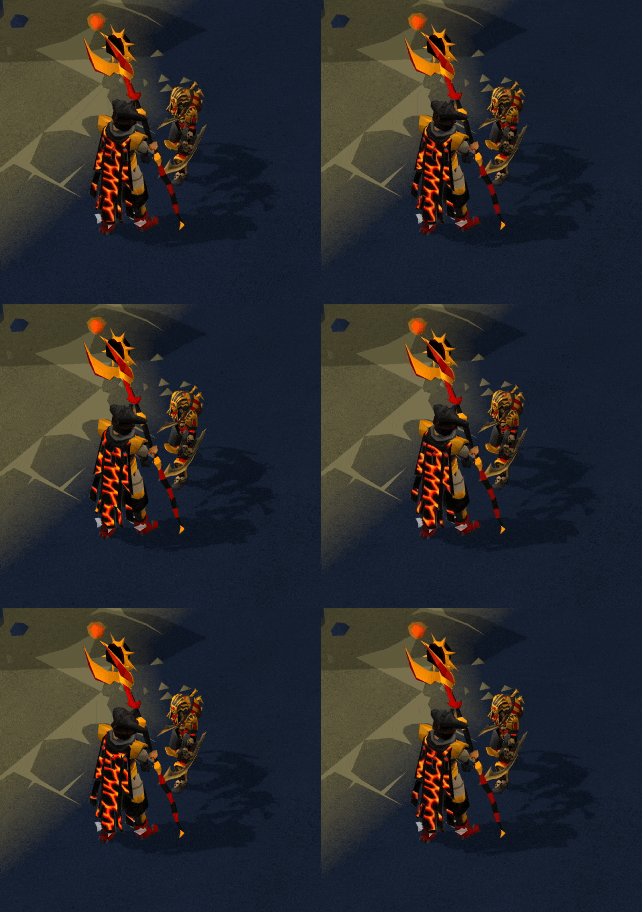
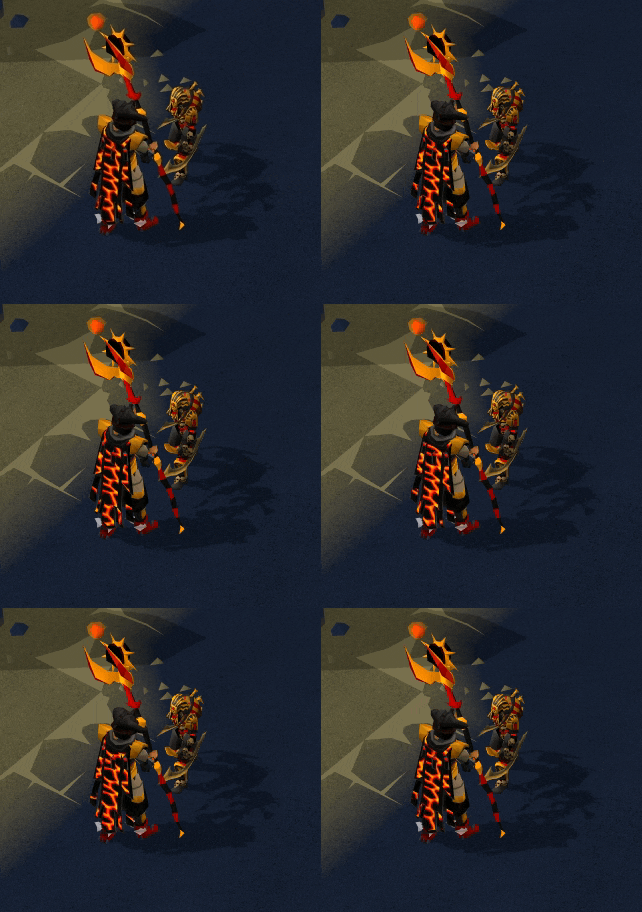
    So if you mess about the 317s you may notice the infernal cape/max cape texture is a bit sped up, anyone know how i can fix that, is it a relatively easy fix?
  7. Looking for someone to give me a hand Updating Zenyte' Data to 211, (Mainly just interested in the Items) My discord is : Drip#2004 , Thanks in advance!
  8. thanks mate
  9. you da man Juice
  10. tyty
  11. Cheers for this
  12. Cheers
  13. Ayo cheers, will add to collection

Configure browser push notifications

Chrome (Android)
  1. Tap the lock icon next to the address bar.
  2. Tap Permissions → Notifications.
  3. Adjust your preference.
Chrome (Desktop)
  1. Click the padlock icon in the address bar.
  2. Select Site settings.
  3. Find Notifications and adjust your preference.